 |
Syllabus for Mus 99 - Electronic Music CompositionHarvey Mudd College, Fall 2025Instructor: Prof. Bill AlvesMonday / Wednesday 1:15 - 2:30 Shanahan B450 |
 |
|
Syllabus for Mus 99 - Electronic Music CompositionHarvey Mudd College, Fall 2025Instructor: Prof. Bill AlvesMonday / Wednesday 1:15 - 2:30 Shanahan B450 |
|
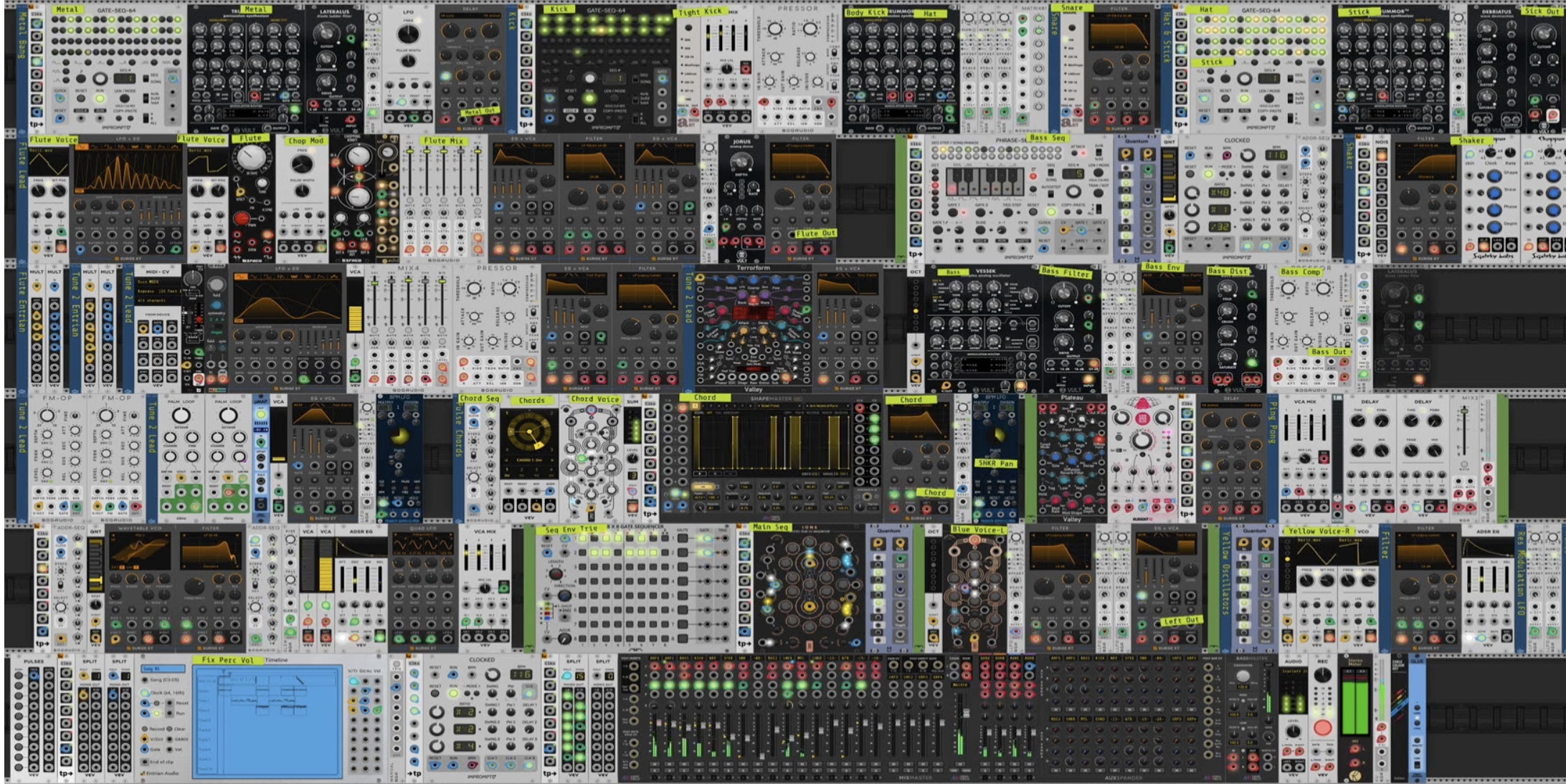
Although you will have access to a studio for recording or mixing, I will expect that you will download the free software we will be using on your personal computer. This software includes VCV Rack and Reaper. Reaper is not free but can be used without restriction for an extended trial period. Websites for both of these products include documentation, and many youtube and other tutorials are available.
In addition to the software, I will be assigning readings and listening lists, but no other textbook will be required. Because there are no prerequisites for this course, I expect that students will come from very disparate musical backgrounds, and neither a background in music nor in computers are required. Links to playlists and supplemental readings will be available on Canvas.
| Quizzes | 11 x 2% = 22% |
| Listening Assignments | 3 x 5% = 15% |
| Music Assignments | 5 x 9% = 45% |
| Final project | 18% |
Class attendance can also affect your grade (see below).
Music assignments: Most of the work of the semester will be in the form of assignments which involve the generation of music (though a background in music will not be necessary to complete them). These assignments have two due dates: at the first, an interim version of the project which works and fulfills most of the requirements and a final version. The Computer Music Studio is available for these assignments, though I expect that they can and usually will be completed on your own laptop or personal computer. All software required is free or has a free trial period and is available for all common platforms. If you have any problem downloading or getting the programs to work, please see me well in advance of the due date. Problems with the software may not be an excuse for late submission of an assignment.
Quizzes: Near the beginning of the semester, you should receive an email inviting you to access Melos, an online quiz system. Once you choose a password and confirm your email, you will have access to a series of quizzes on terms important to electronic music. We will cover these terms in class, and they can also be studied via lecture powerpoints, class readings, and general knowledge sites on the Internet.
Listening: In order to have experience with the short history of electronic music and inspiration for your own compositions, you will listen and respond to some playlists I have created. I will expect that you will apply the knowledge from class to analyze the music through critical listening, and it's not enough to say that liked (or didn't like) a piece. This does not mean that you have to have any background in music theory, just that you can talk about what happens in the music, how it is relevant to electronic music, and why it's interesting.
Final Project: The final project will be an original musical composition realized using software that we have covered this semester. I understand that some students will have experience in other software, which I support, but the purpose of this assignment will be in part to creatively apply the skills you have developed from this class. You will write a proposal for a final project, which may be approved immediately, or only after negotiated revisions if the proposal is not quite appropriate, sufficient, or practical. An interim recording and project files of your work-in-progress will be required before the final due date. A concert of all the class projects will take place during the last week of classes. There will be no other final exam.
AI Assistance: You may not use any AI tools to write, research, brainstorm, proofread, or otherwise assist you in completing assignments for this class.
Late Assignments: Late assignments will normally be penalized one letter grade per class meeting late, but late assignments will always receive some credit, no matter how late. Any assignments that are late because of illness, isolation, or other unavoidable problems will not be penalized.
Class participation and attendance: Much of the learning in class will come from in-class group activities and discussions. Your attendance and conscientious participation will benefit not only yourself but others in the class. Therefore, each unexcused absence after the first three will result in a reduction of 3 points from your final grade. Reasons for excused absences include college isolation, illness, family death, and religious holidays. Please do not attend class if you have any symptoms of illness. Reasons for unexcused absences include travel for clinic or athletics, grad school visits, and airline schedules for spring break. Also, please do not have laptops open during class, unless I explicitly give permission for an individual accommodation or for group work, for example. If you normally use your laptop to take notes, then you will need to find an alternative, like taking paper notes. Flat tablets, such as iPads, are acceptable, as long as they are only used for taking notes.
Accommodations: HMC is committed to providing an inclusive learning environment and support for all students. Students with a disability (including mental health, chronic or temporary medical conditions) who may need some accommodation in order to fully participate in this class are encouraged to contact Educational Accessibility Services at access @ g.hmc.edu to request accommodations. Students from the other Claremont Colleges should contact their home college's disability resources officer. You will find information about disability resources on the college website: https://www.hmc.edu/student-success/accessible-education/.
Mental Health Support: College students often experience issues that may interfere with academic success such as academic stress, sleep problems, juggling responsibilities, life events, relationship concerns, or feelings of anxiety, hopelessness, or depression. If you or a friend is struggling, I strongly encourage you to seek support. Helpful, effective resources are available at the 5Cs at no charge. The Office of Health and Wellness (wellness @ hmc.edu) has resources available to HMC students, and MCAPS provides crisis support services to the 5Cs 24/7/365 at 909-621-8202.
| Date | Topic | Assignment due | Reading |
| Mon. Aug. 25 | Introduction and history of electronic music | ||
| Wed. Aug. 27 | Acoustics; VCV Rack | ||
| Mon. Sep. 1 | Labor Day | ||
| Wed. Sep. 3 | Acoustics; VCV Rack continued | Quiz 1: Acoustics | Dodge Chapter 2 |
| Mon. Sep. 8 | Modular Synthesis & Envelope Generators | Quizzes 2 and 3: Acoustics | |
| Wed. Sep. 10 | Filters | Quizzes 4 and 5: Synthesis Listening response 1 | Shepard Chapter 2 |
| Mon. Sep. 15 | Stereo space | Music assignment 1: Subtractive synthesis instrument, interim version | Shepard Chapter 5 |
| Wed. Sep. 17 | Repeating modulation | Music assignment 1: final version | |
| Mon. Sep. 22 | Audio-rate modulation | Roads FM | |
| Wed. Sep. 24 | Instruments | Quizzes 6-8: Filters, modulation Music assignment 2: Modulation instrument, interim version | |
| Mon. Sep. 29 | Sequencers | Music assignment 2: final version | |
| Wed. Oct. 1 | Generative patches | ||
| Mon. Oct. 6 | Digital audio | Music assignment 3: Generative patch, interim version | Digital Audio Intro |
| Wed. Oct. 8 | Introduction to DAWs | Quiz 9: Digital audio Music assignment 3: final version | Intro to Reaper |
| Mon. Oct. 13 | Fall break | ||
| Wed. Oct. 15 | Musique concrète Audio recording | ||
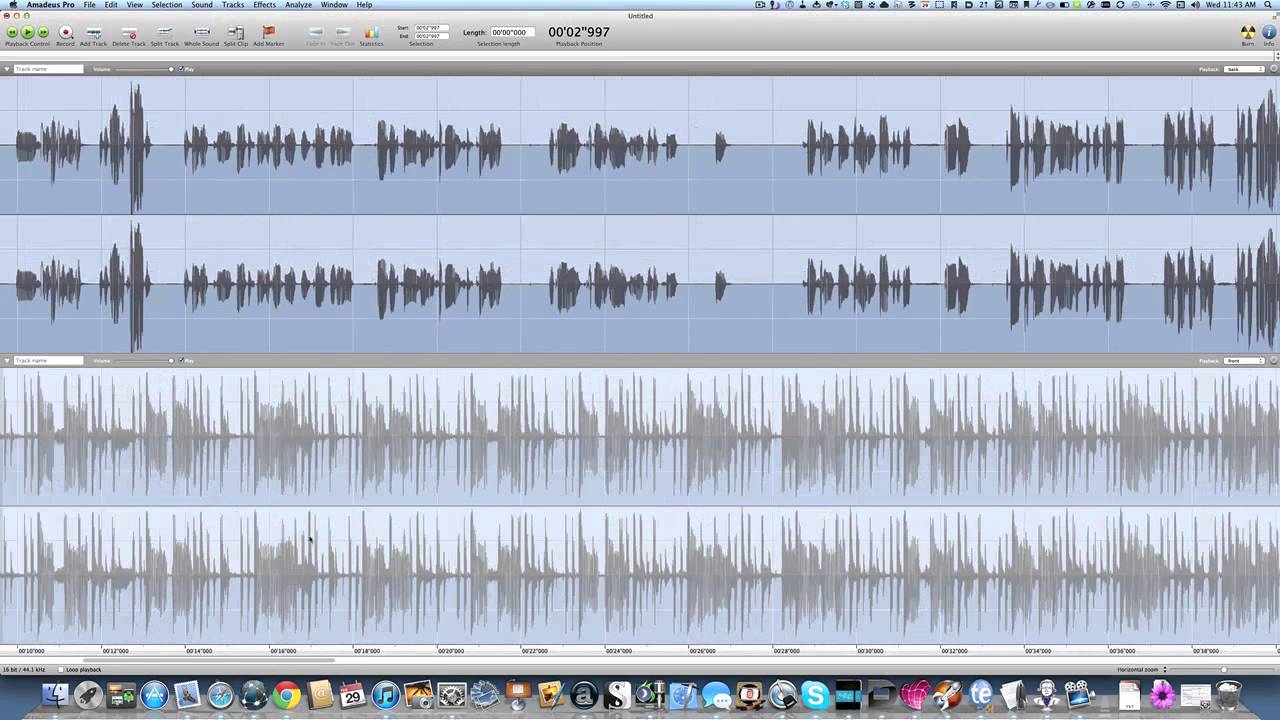
| Mon. Oct. 20 | Sampling Audio editing | Using the studio Recording with Amadeus | |
| Wed. Oct. 22 | Digital signal processing | Listening response 2 | |
| Mon. Oct. 27 | MIDI and plugins | Music assignment 4: Musique Concrète, interim version | Intro to MIDI MIDI Summary |
| Wed. Oct. 29 | Surge synthesizer | Music assignment 4: final version | |
| Mon. Nov. 3 | Ambient music | Quizzes 10-11: MIDI and Signal processing | |
| Wed. Nov. 5 | No class: HSA Advising | ||
| Mon. Nov. 10 | Automation and signal processing | ||
| Wed. Nov. 12 | Mixing and dynamic effects | Music assignment 5: Ambient, interim version | |
| Mon. Nov. 17 | Modern electronic music | Music assignment 5: final version | |
| Wed. Nov. 19 | Guest speaker | ||
| Mon. Nov. 24 | Listening presentations | Listening response 3 | |
| Wed. Nov. 26 | Thanksgiving break | ||
| Mon. Dec. 1 | Analysis of interim projects | Interim version of final project due | |
| Wed. Dec. 3 | Analysis of interim projects | ||
| Sun. Dec. 7 7:00 p.m. | Concert of final projects | Final project due |
If there are any problems with the computer or any other equipment, please contact me AS SOON AS POSSIBLE by phone (x74170) or email, even if the problem does not affect you personally. My prompt attention to any technical problems will help your fellow students. accessible-education/.
Back to my Home Page